
Training
Virtual reality training simulators
Training simulators for industrial, technical and high-risk environments. Learning by doing, without consequences and without stopping the work.
A fire drill in a hospital means shutting the whole hospital down. It happens once a year, it costs a lot, and half the staff experience it as an interruption. In virtual reality that same drill runs as many times as needed, on each person’s own shift, without moving anyone from their post.
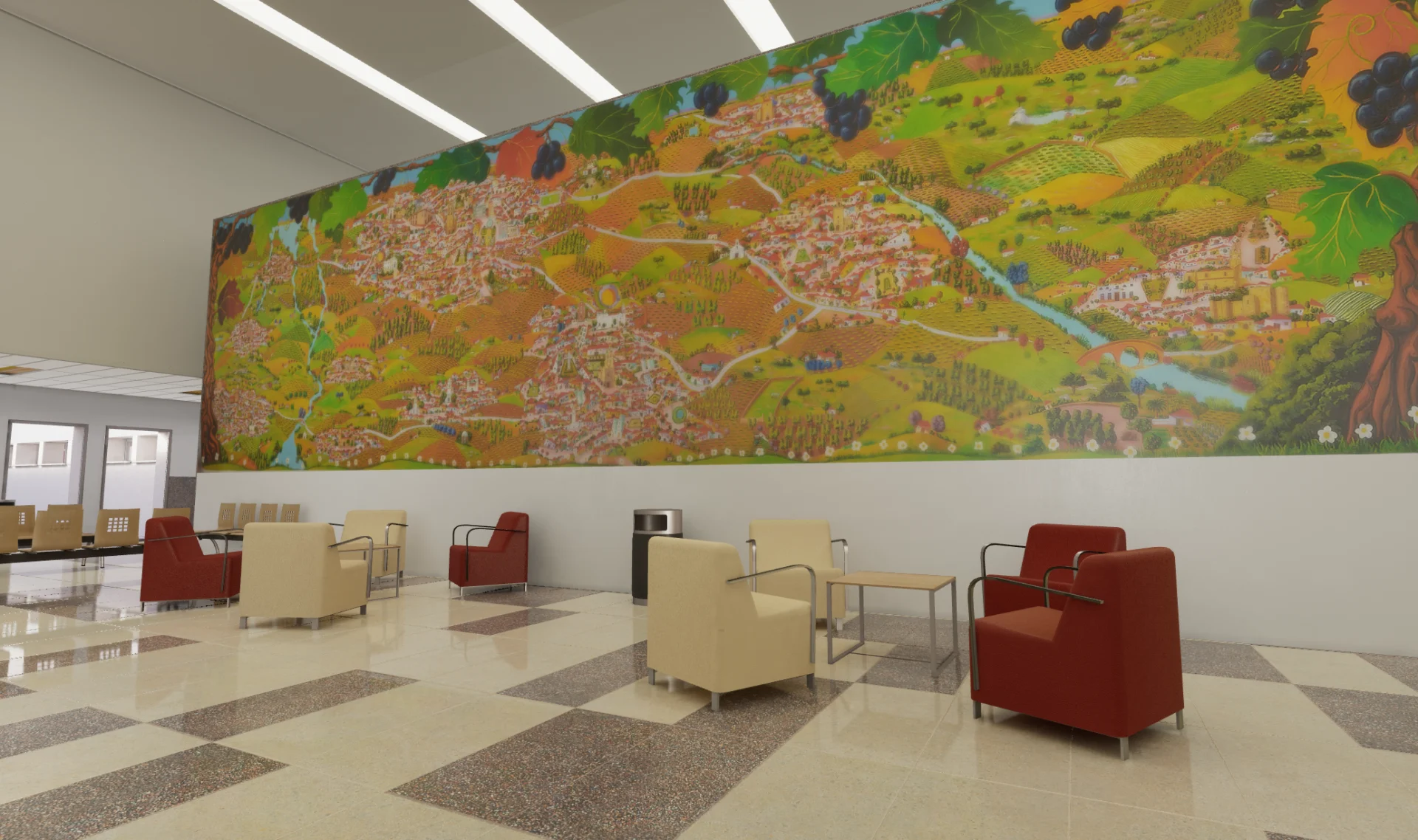
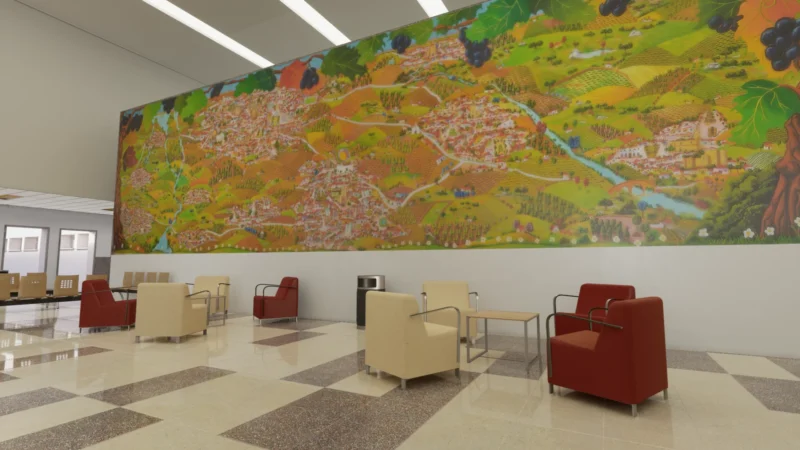
That is exactly what we built for the Hospital de Tierra de Barros: a recreation of the centre where staff rehearse the response to emergencies. The project was done together with Plena Inclusión Extremadura, and includes a proposal for adapted signage designed by the organisation so that people with cognitive disabilities can understand it.
The saving is not the only advantage. In a simulator you can trigger the mistake on purpose, let it happen and examine it afterwards. In real life, you cannot.
What can be trained
A simulator makes sense when getting it wrong for real is expensive, dangerous or impossible to repeat. That covers more ground than it seems:
- Emergencies and evacuation. Fires, evacuations and response protocols inside the actual building, recreated as it is. That is what we did at the Hospital de Tierra de Barros.
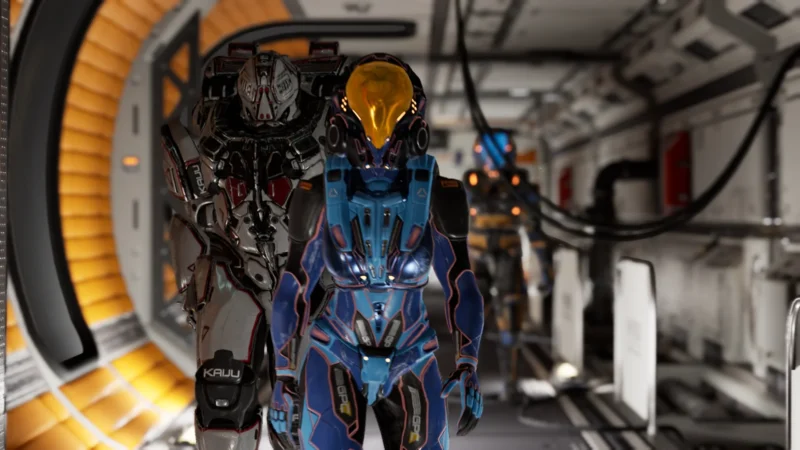
- Management and teamwork skills. Situations where what matters is how a group decides and coordinates, not only whether someone knows a procedure. NeoCK, designed with a team of researchers in psychology, pedagogy and neuroscience, puts several participants inside the same mission, one that can only be solved by working together.
- High-risk work. Height, confined spaces, heavy machinery: manoeuvres where the failure cannot be rehearsed on the real installation.
- Technical procedures and maintenance. Assembling, dismantling and inspecting equipment from its CAD model, even before the machine exists.
- Accessible training. Environments designed for people with cognitive diversity, with clear instructions and no dependence on reading quickly.
Not everything is learned better this way. Theory, regulations or a procedure that changes every quarter are better taught some other way, and we go into it in when a simulator pays off and when it does not.
How a project runs
1. What has to be trained, and for whom. The first step is not technical: which procedure, which mistakes are the ones that matter, and who will use it. If the procedure is written down step by step, half the design is done. If it is not, we start by writing it with your team.
2. The material that already exists. Drawings, 3D models, photographs of the facility, the procedure itself. Anything that exists shortens the work and lowers the cost.
3. A first version to test. Before building the full environment we make a short version, with just enough to run through the main situation, and it is tried by people who will really use it. That is when you find out that a step is unclear or a decision is missing: fixing it then costs little, and with everything built it costs a lot.
4. Development. The environment at real scale, the situations to be solved and what gets recorded from each session.
5. Testing with the people who will use it. A simulator nobody understands first time round is no use, however good the environment.
6. Roll-out. On headsets, on a computer or on a tablet, depending on where it will be used. A simulator needs equipment, a place to use it and someone to look after it: we leave that sorted, so it does not end up in a cupboard.
On timing, a simulator with a single situation usually takes two to three months. With several situations, hand interaction or several participants at once, four to six. We set the date once the scope is agreed, not before, and if there is one that cannot move — an audit, an opening — it is worth saying so on day one.
What the cost depends on
There is no fixed price, because two emergency simulators can be projects of very different sizes. What makes the difference:
- How much has to be modelled. Recreating a building from scratch does not cost the same as starting from its drawings or from a model that already exists.
- How many situations. A single scenario versus several, with variants and difficulty levels.
- How much interaction. Looking and choosing does not cost the same as handling objects and tools with your hands.
- Whether people train alone or as a group. Several participants in the same session, as in NeoCK, multiplies what has to be built.
- What gets recorded. Knowing whether someone finished is not the same as recording what they did, in what order and how long it took.
- Which devices. Headsets, computer, tablet, or all three.
Tell us what you want to train and for how many people, and we will tell you roughly where it lands before talking numbers.
What gets measured
A classroom course leaves a signature sheet. A simulator leaves a record of what each person did: which decisions they made, in what order, how long they took and where they went wrong. That turns training into data you can compare between people, between shifts and over time.
In group sessions, whoever runs the training sees what is happening inside as it happens and can step in, as in NeoCK.
Results can be exported to analyse outside the simulator. If the company already works with a learning platform, connecting to it is planned from the start of the project, because it shapes what gets recorded and how.
Frequently asked questions
Do we need to buy VR headsets?
Not necessarily. We develop for Meta Quest, HTC Vive, Pico and PC VR, and adapt the same simulator to computer or tablet when there are no headsets. Headsets pay off when the goal is full immersion — moving through a space at real scale, handling objects; for practising decisions, a screen is often enough.
How many people can train at once?
It depends on the design. A simulator can be individual, so each person practises at their own pace on their own shift, or multiplayer, like NeoCK, where a whole team solves a mission inside the same environment. The number of participants is decided in the design: it depends on the physical space where it will be used, how much equipment there is, and whether it makes sense for everyone to act at once or take turns within the same session.
What happens if the procedure changes?
The simulator gets updated, and that has a cost. That is why it is best to start with stable, critical procedures: if a course is rewritten every few months, a good video or a well-made manual ages better.
Does it work offline?
It can, and in hospitals and industry that is the usual design. Standalone headsets run the simulator with no internet connection; group sessions need at most a local network between the devices, not access to the outside. It is decided at the start, because it changes how results are collected.
What do you need from us to get started?
To know which procedure you want to train, for how many people, and whether there is a deadline. That is enough to say whether a simulator is the right tool — sometimes it is not, and we say so too.
Projects that prove it
Keep reading
We've written about this
- Educational Gamification: Learning by Doing with VR and Interactive ExperiencesLearning is not simply about receiving information. We learn when we participate, experiment, make decisions and discover things for ourselves.…
- Is a VR simulator worth it? When it pays off and when it doesn’tVirtual reality does not improve every kind of training. Here are the four cases where a simulator pays for itself,…
Let's talk.
Cuéntanos qué quieres conseguir y te decimos si la realidad virtual o aumentada es la herramienta adecuada. Si no lo es, también te lo diremos.
06800 Mérida, España